Product Guidance
User guides, online help, reference guides, and task-based documentation that help readers understand what to do next.
Technical writer / Toronto
Hi, I'm Kevin. I design documentation that is clear, concise, and consistent from the perspective of readers.
Documentation types
User guides, online help, reference guides, and task-based documentation that help readers understand what to do next.
Release notes and change explanations that turn product updates into useful context.
Training materials, video tutorials, onboarding content, and cleanup work that make documentation easier to maintain.
My work sits between product teams, subject matter experts, and the readers trying to get something done. I turn scattered product knowledge into clear steps, useful context, and documentation systems that can keep growing after the first draft ships.
Selected work
Rewrite / before and after
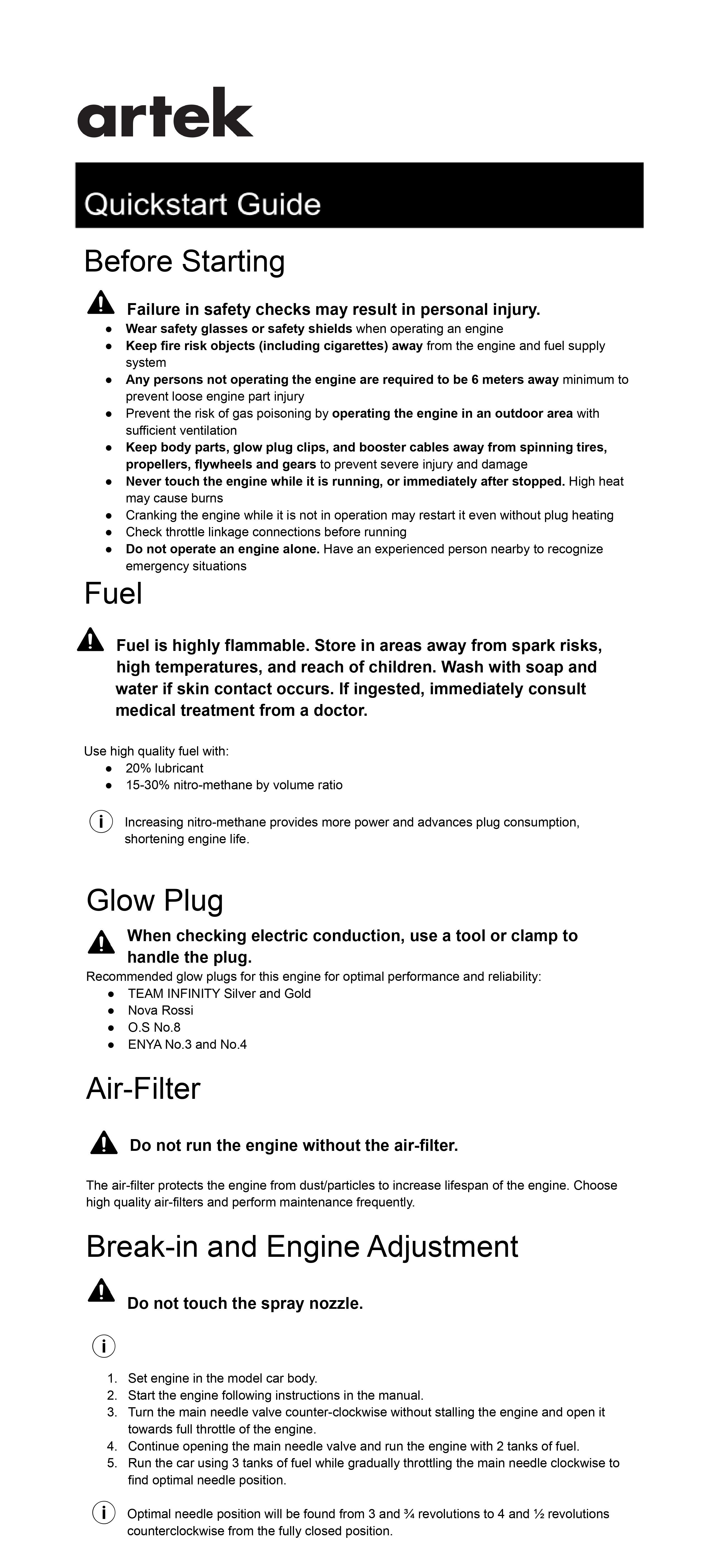
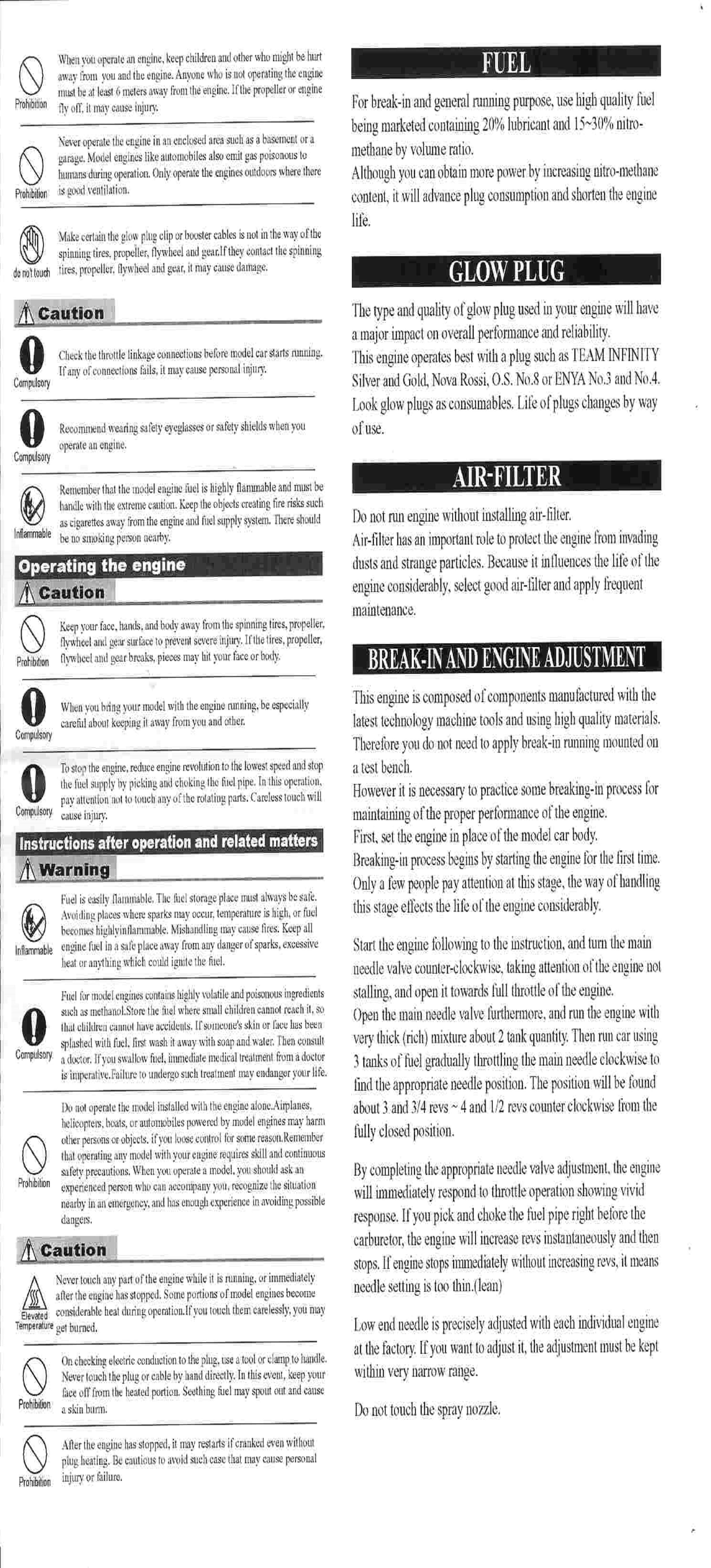
This is a quickstart guide I found to be unorganized, cluttered, and confusing. I rewrote it to cut repetition and clarify the instructions, then redesigned it so readers can find information faster.
Online help
During my experience working at Tecsys, I maintained and developed web help content for their Omni WMS and Omni OMS products. I authored with Oxygen XML Editor following DITA standards of practice for content reuse. Git repositories were used for version control. Additionally, I created how-to videos for new product features using Camtasia.
Smaller pieces showing format, tone, and document structure across different contexts.
E-learning
At Tecsys, I improved onboarding for technical writer interns learning Oxygen XML Editor. I built a hands-on training guide inside the software itself, so interns learn by working through real examples.
Instruction rewrite
I converted IKEA-style visual assembly instructions into text instructions, focusing on clear sequencing, visible decision points, and language that can stand on its own without relying on diagrams.
User guide
This is a mock-up user guide for the Samsung Galaxy Watch 4. I created this user guide during my time at Algonquin College. This guide explains each of the watch's features in full, using Samsung's brand voice.
Release notes
This is an unofficial mock-up for the Zoom mobile app. Release notes should do more than list what changed. I write them to explain what is different, why it changed, and what it means for the person using the product tomorrow.
FAQ
This is an FAQ document mock-up created during my time at Algonquin College. Information is derived from the Ministry of Transportation of Ontario, and I created the structure and visual design.
White paper
This is a white paper explaining the benefits of vertical farming. It can be distributed at a conference for investors interested in green technology. White papers educate readers while making a persuasive case. This one argues for investing in the technology.
Method
Start with the user goal, the product state, and the point where confusion usually enters.
Separate setup, decisions, steps, reference, warnings, and recovery so the page can be scanned.
Read like a new user, then revise for gaps, hidden assumptions, tone, and maintenance.
Writing
Contact
I'm open to technical writing roles, documentation projects, and conversations about product education.
Contact
Copy my email or open your email app so we can start chatting about your documentation project.